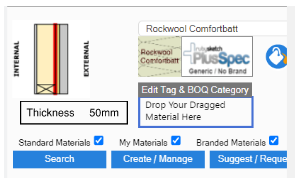
Hi Grant,
I also noticed that the material brand function is not working.
There is a green dash that appears to be selectable, but it doesn’t do anything, and the drop-down list cannot be altered

)
I have a few more observations/improvements/suggestions,
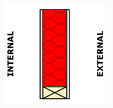
- In the interior walls selection, the insulation is visible in the wall cavity, appearing as red and clear. In other wall types, the insulation appears as a vertical strip. Can the graphic be updated to be similar to the interior wall type?
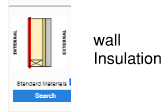
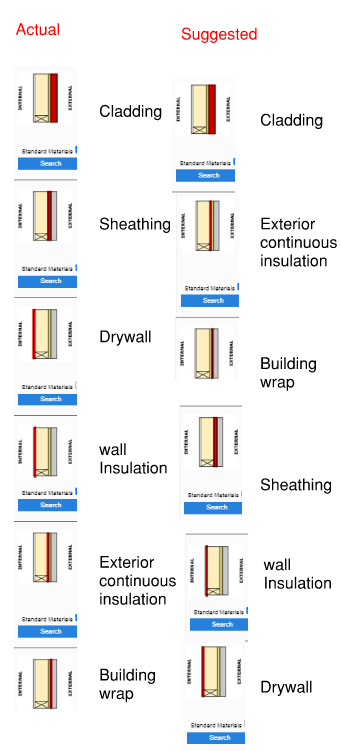
- Is there a reason why, on more complex walls, lightweight multiskin, as an example, the components jump around in the selection tool from interior to exterior? Following a buildup sequence, either interior-exterior or vice versa, would seem more intuitive.
-
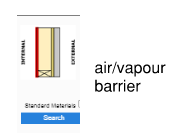
Can we have an “air/vapour barrier” selection behind drywall (in cold climates), instead of making a recipe?
-
Is there a way to select the thickness of the continuous insulation? I have tried increasing the strapping to account for the missing insulation and also increasing the depth of the cladding. Still, both options are poor fixes when trying to detail with accuracy, as they also introduce errors into the BOQ, such as oversized strapping, etc. I am using insulation ranging from 25-150mm, and not being able to set the depth is a pain