how do i draw valley boards for a take off
Hi Les_Blechynden,
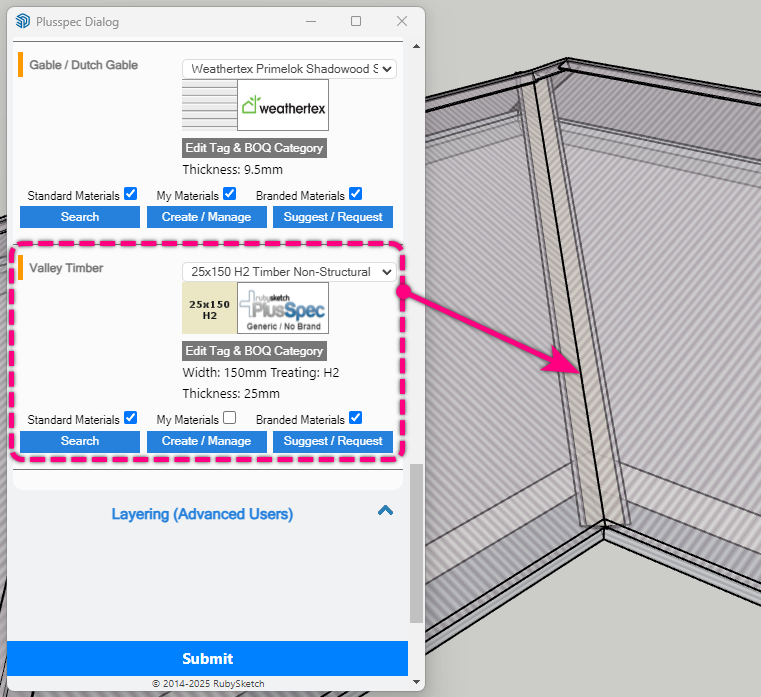
Valley boards will be drawn along any valley of a roof generated via the  Hip Roof Tool. The size of the valley board can be specified by the Valley Timber/Lumber field in the Materials, Selection & Finishes section.
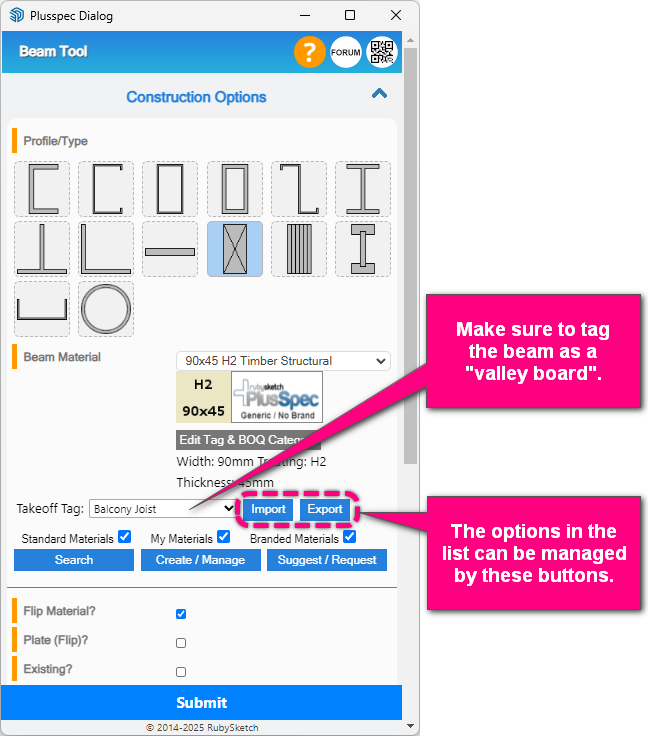
You can also draw valley boards by using the  Beam Tool. If you do this, make sure to select the correct Takeoff Tag (i.e. Valley Board) so it appears correctly in the
  Takeoff. You will likely also need to use the Plate (Flip) field to flip the drawing orientation of the beam.
Note: The options in the list can be managed by exporting the list, editing it in a spreadsheet editing program & then importing the updated spreadsheet.
1 Like
thanks i overlooked it
been through the process from scratch i cannot see them on my drawing and do not show up in takeoff. what am i doing wrong
any ideas what i am doing wrong
Hi Les, if there is ever a time when you can not see an item, make sure to use the See all button  in the PlusDesignBuild toolbar, as this button turns everything on. Once you can see something, triple-click until it is highlighted blue, and look at the Entity info Tag name.
FYI, the tag for Valley board is 17b_Roof Frame
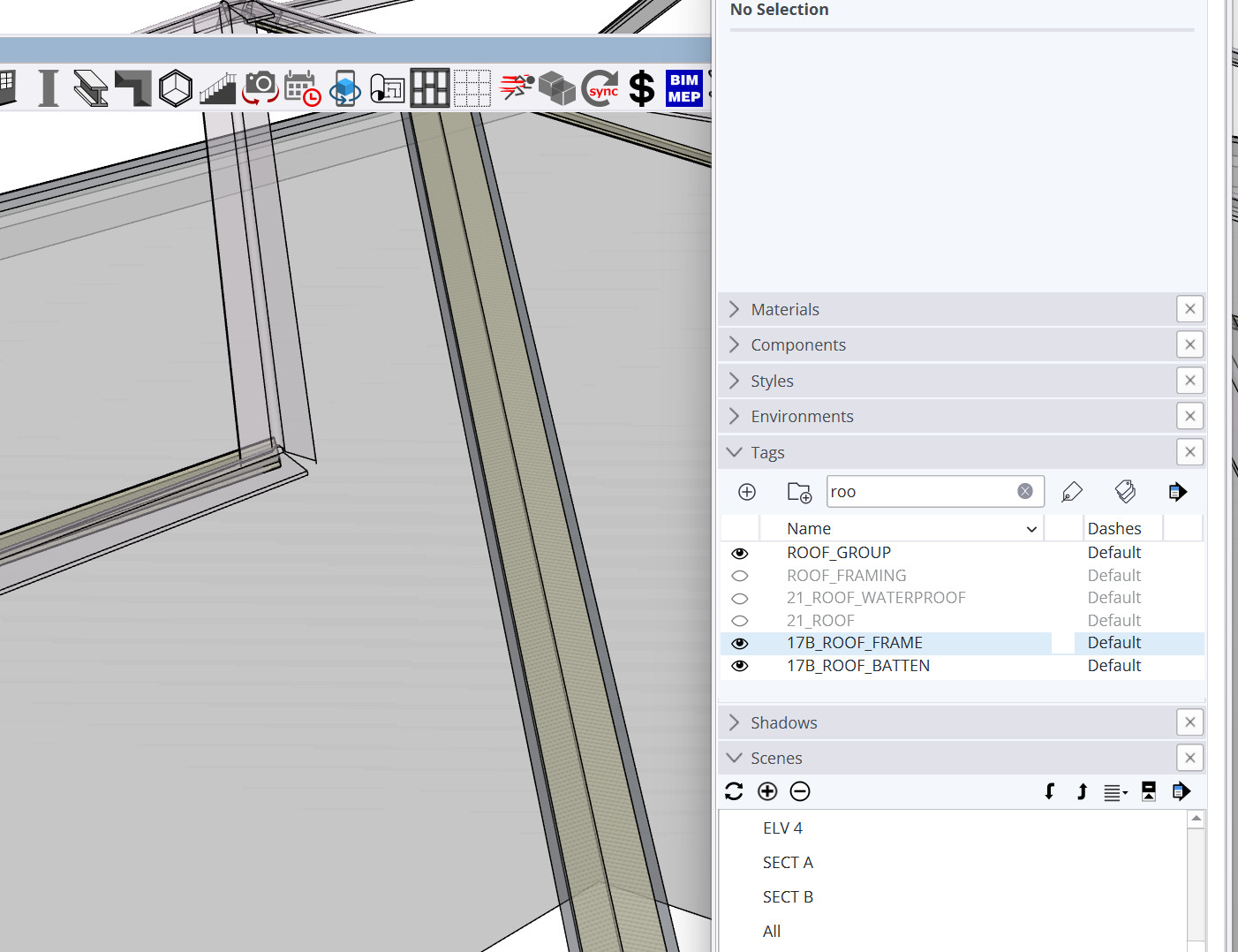
I’m not able to replicate the issue you’re having as the valley boards are appearing for me in the the model & takeoff.
Can you please send the model to support@plusspec.com so I can have a look into the issue? Could also please send a screenhot of the takeoff summary page with the sections expanded? Thanks in advance.