How can i change the offset from the walls for dimensions in wall panelisation cover page in layout?
Hi Les,
There currently isn’t an option to set the offset for the dimension strings added in Layout via the  Frame Panelization Tool. To change the offsets the dimensions will need to be manually moved to the desired offset whilst the Layout file is open.
You can move all or one dimension by clicking and moving the arrow at the top of bottom of the container inside Layout.
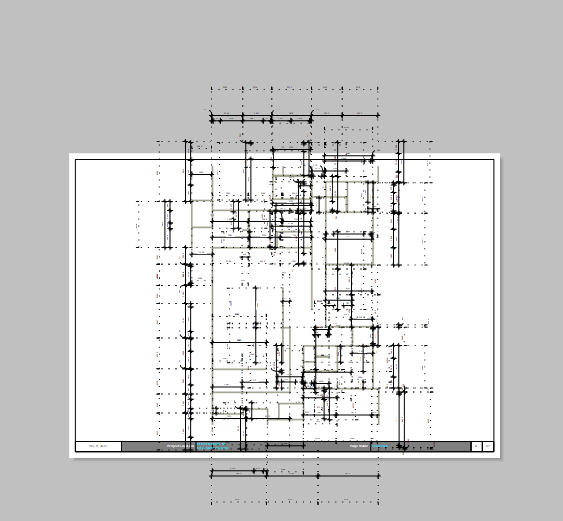
From the image it looks at though you should use a portait sheet as opposed to Landscape and most likely a larger paper size.
The best way to do this is to start a blank layout file and choose the correct paper size. Then go to the sheet above and use CTRL A (select all) CTRL C (copy) then go to your new sheet and CTRL V paste.