Hi team,
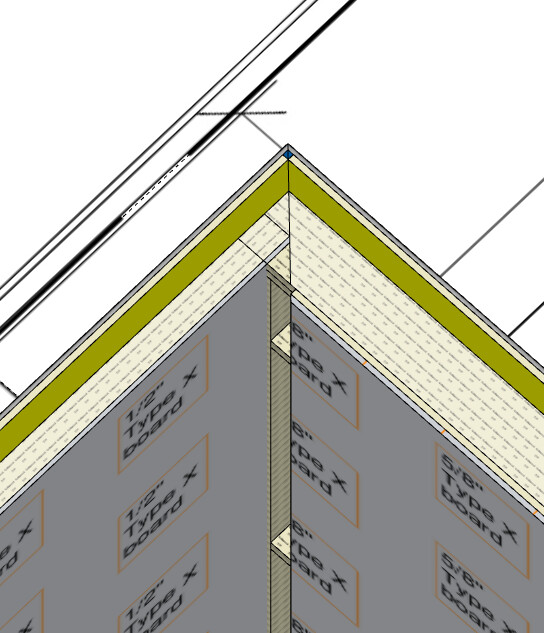
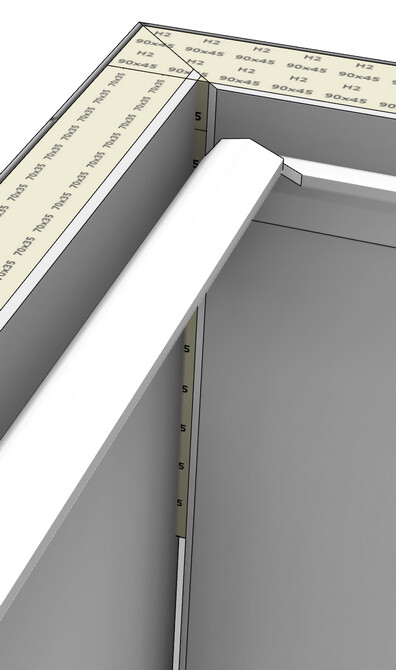
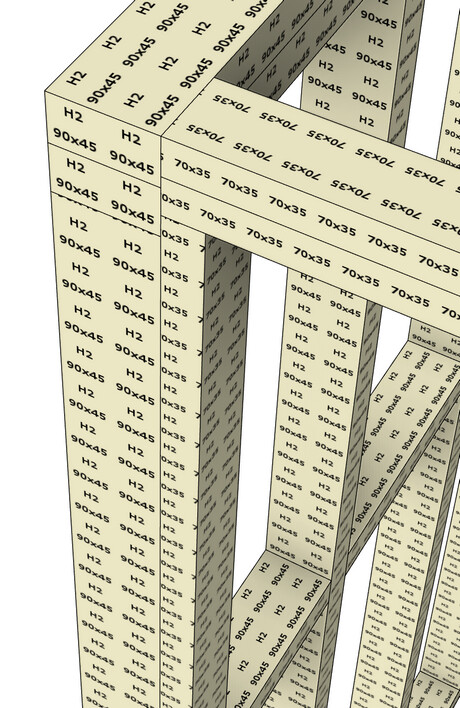
What is the best way of joining walls that have a different stud size to get continuity of the other elements, as shown in the image? I watched the video but i dont seem to have the join walls option, but they are 90deg to each other.
Hi team,
What is the best way of joining walls that have a different stud size to get continuity of the other elements, as shown in the image? I watched the video but i dont seem to have the join walls option, but they are 90deg to each other.
Hi Gareth,
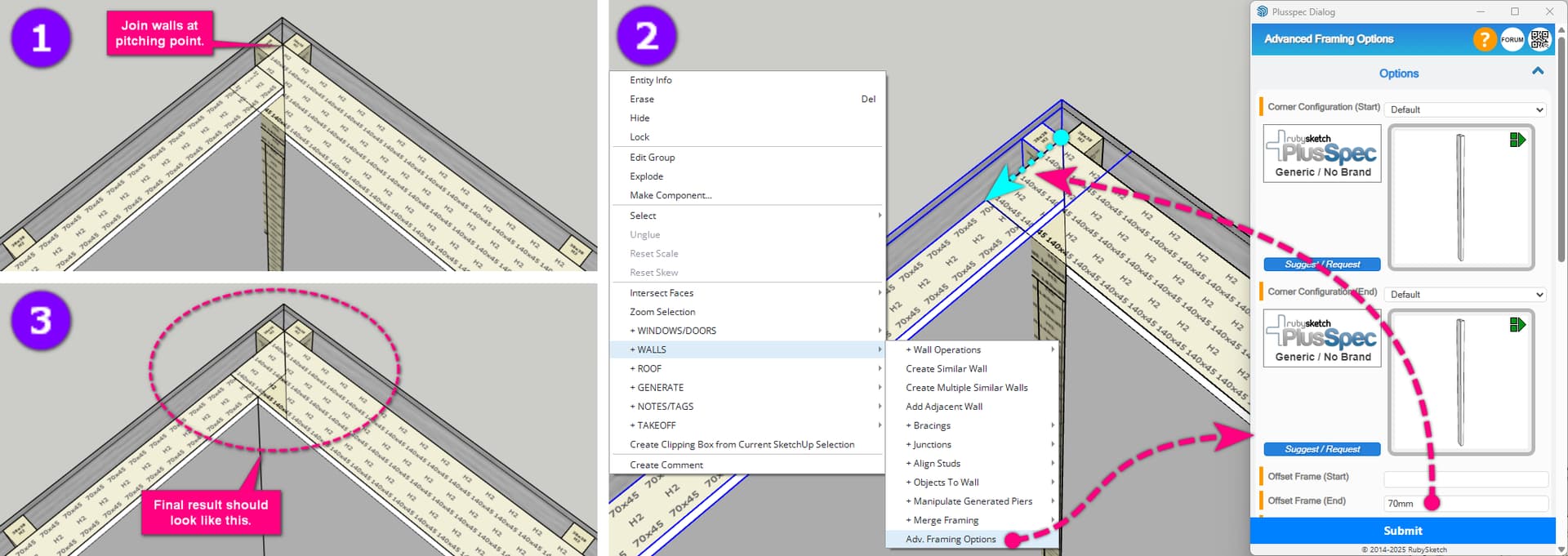
Here are the steps I would take to get the result you’re after.
@Grant, although it is not common to have two different frame thicknesses, I think we could do some work on this, as manual editing is a pain.