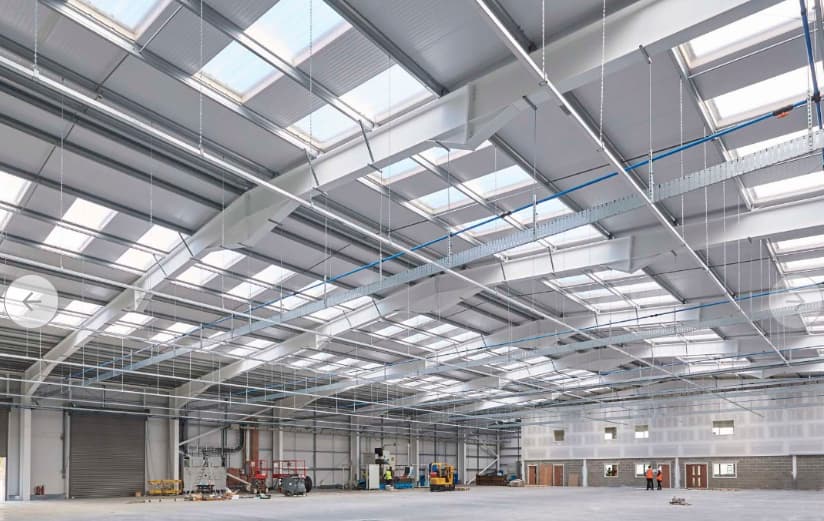
Anyone got any advice on how to insert opaque roof light panels into an industrial panel roof modelled as a hip roof? Is there a way or am I going to have to explode the element and edit it?
Hi Gary - I’ve always just created the roof with the plusspec tool, then double clicked into the various roof objects (sheathing, etc.) and created the holes. Then I have the object (usually a skylight) as a component if I know that it will be repeated in multiple locations, so that any small changes I make to it are carried through to all of the components. I don’t know of an easier way to do it.
1 Like
Thanks Drew I’ll give it a go and top tip about it being a component as I’m sure I’ll have to develop it some more
Hi Gary, there is a little-known way to create a roof sheet layout in PlusSpec that will likely be faster. You may need to delete and lower it into place, though.
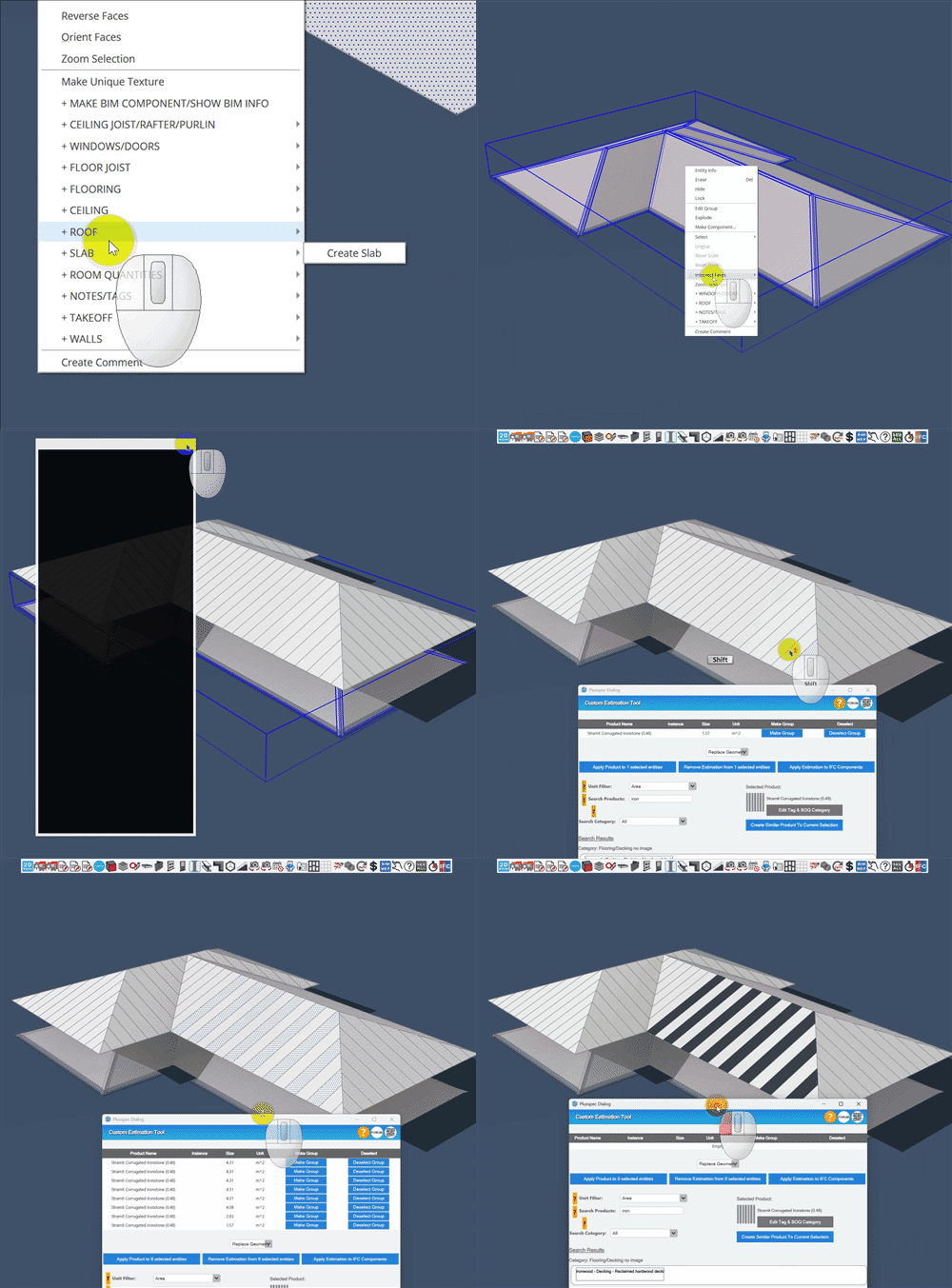
Here is how to do it
- Create the hip roof using the roof tool

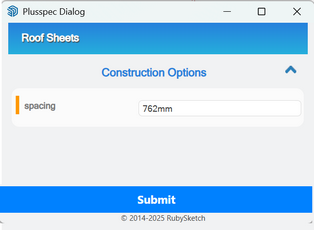
- Right-click the roof and select “+Roof > generate roof sheet layout”
- Add in the effective cover of the roof sheet
- You’ll see a new roof created above, select and explode it
- Use the custom estimation tool to associate your materials for estimating.
NOTE: You may need to create an opaque material for your Skylight polycarbonate or fibreglass roof sheeting
1 Like