Hi @Grant
A couple of questions on the same demolition topic.
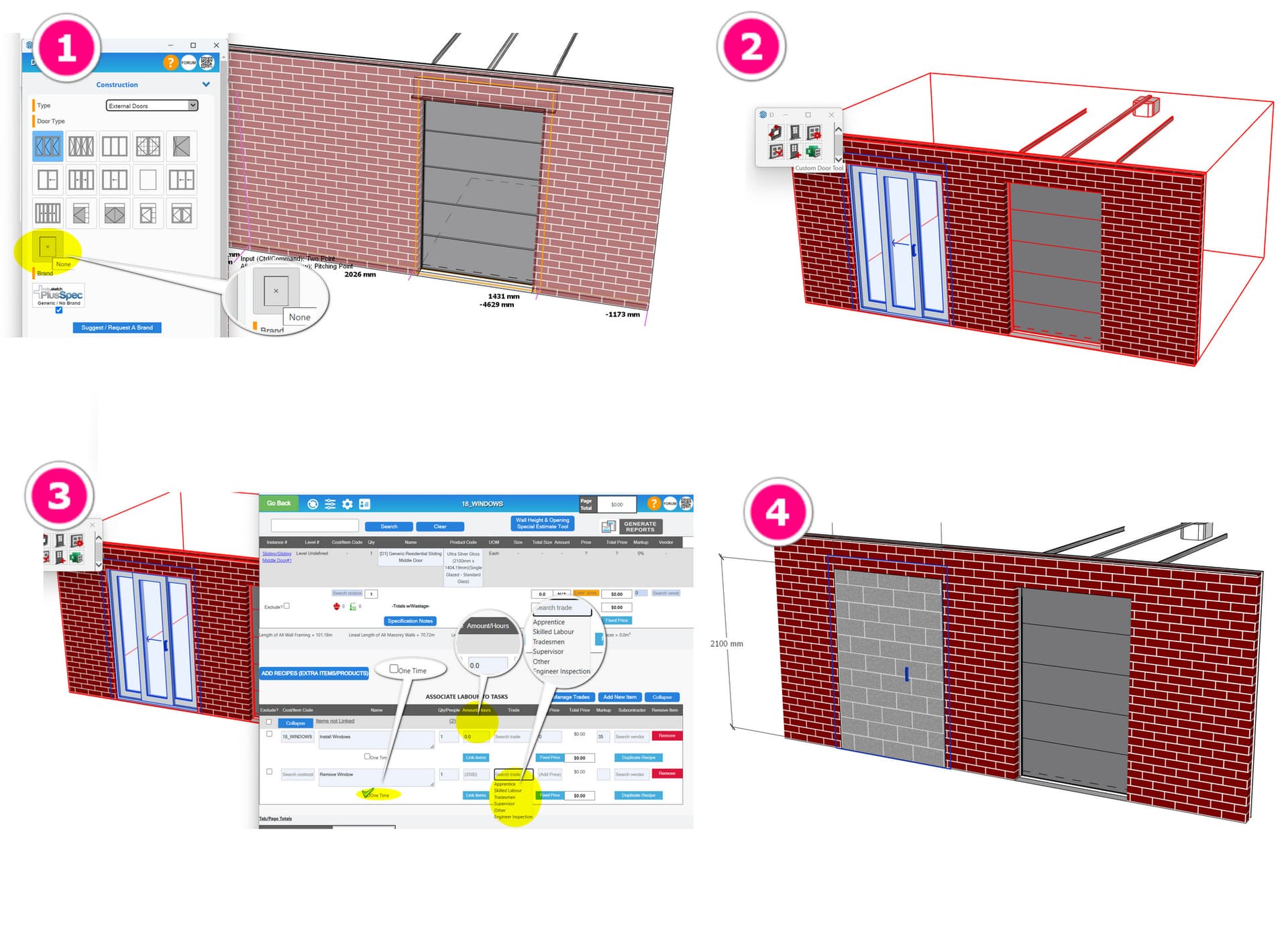
When we are working on commercial remodelling work, we often have to retain existing block walls but remove windows or doors that are in these walls. If we draw the walls and list them as existing to exclude them from the estimate and include, let’s say, a door to be demolished in this wall, this door also becomes locked and is not counted.
- I can’t see a way of individually allowing a door to be quantified for demolition and removal in an existing wall that is to remain.
- If we then want to allow for filling in this opening, I don’t see a quick way of allowing for blockwork to be created in the opening without drawing it over the top of the door to be removed (which is still visible), so we get it into the BofQ.
- If we need to make a new door in an existing wall that is not to be demolished, what is the workflow? If I create a new door, it immediately reverts to being existing.
I can make a “hole” and inset a door as a workaround, but the hole does not measure as forming an opening, so it’s not giving any value in the BofQ, and I need to measure this.
If I slice the wall by the width of the door to make it active, it measures the area of the blockwork above the door head as new blockwork.
What about if there were a tickbok on the door option we could select to say keep as new?
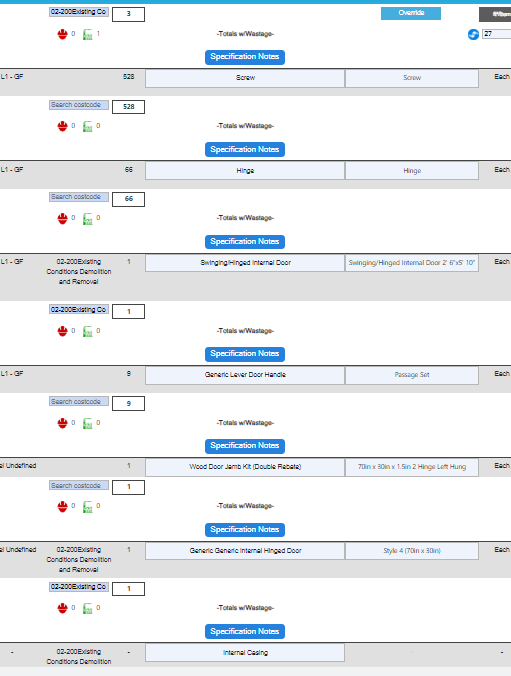
Finally, is there a way for the BofQ to just say “door to be removed” rather than having all the sub-items like hinges, jambs, weather stripping, door stops, handles, etc - just to tidy up the BOQ - in my demo section, I have 15 doors to be demolished with then dozens of line items on each… so pages and pages of line items for a door…