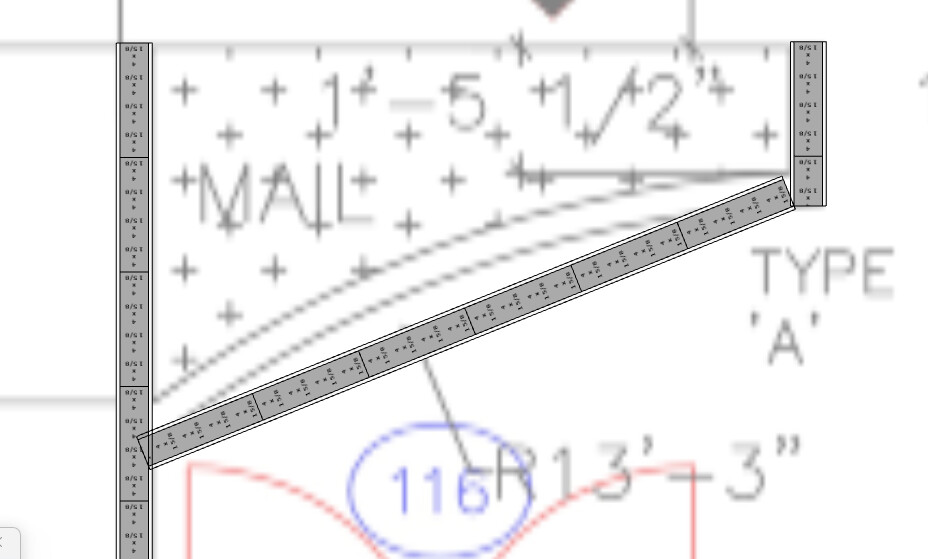
Hi @Grant is there a simple way to create a curved wall? I have a few to model in this commercial project.
Is there a freeform tool in the wall configuration?
Hi Gareth,
There currently isn’t a tool that draws curved walls, however there are two ways to achieve it that I’ve explained below.
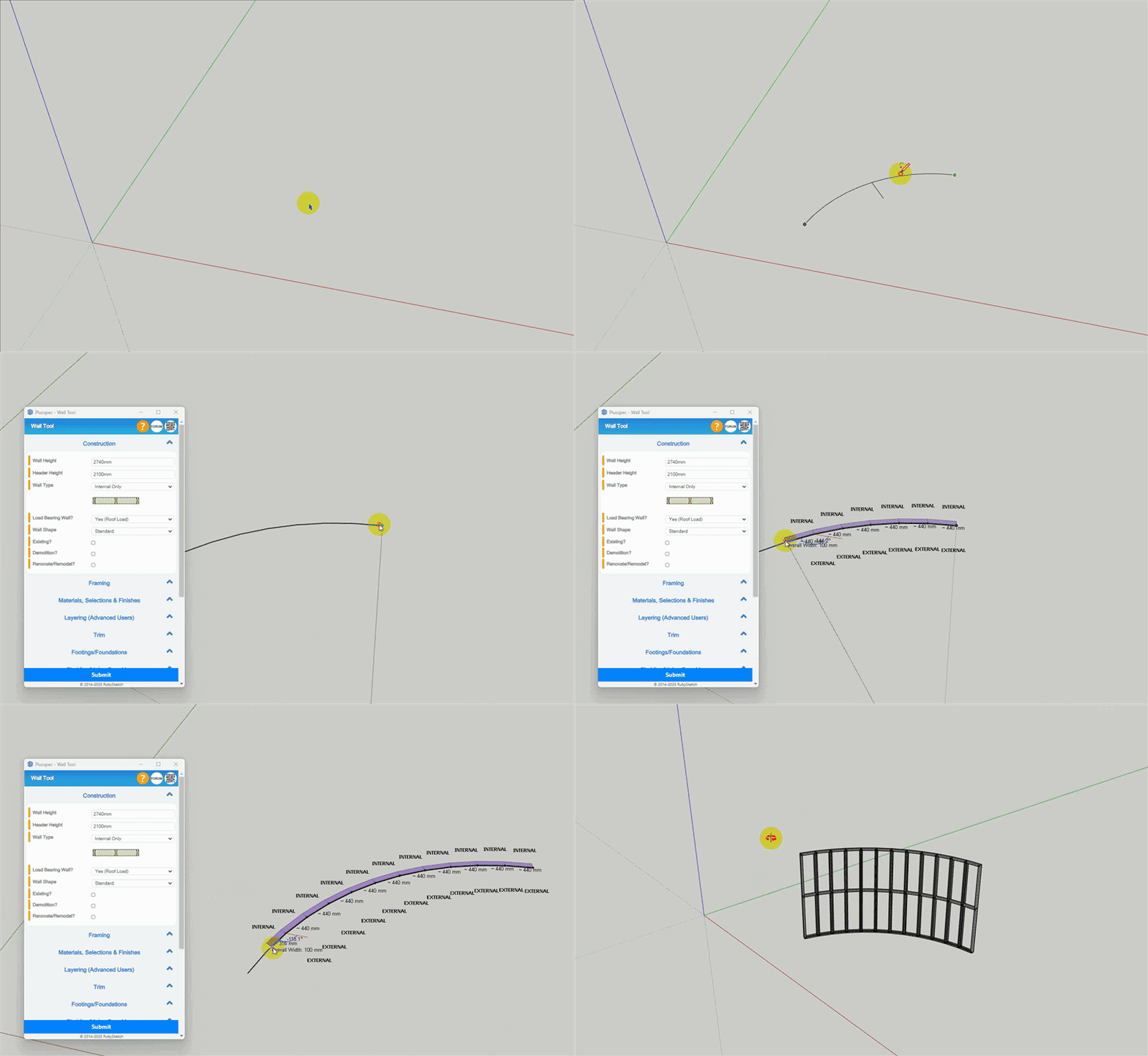
Option 1: Use the wall tool to draw each segment.
To do this, I recommend following these steps.
- Draw a curve using one of the SketchUp Arc Tools (this will be used as a guildline)
- Trace around the curve with the
 Wall Tool (using the correct drawing point - i.e. internal/external side of the wall).
Tip 1: The number of segments a curve has can be specified before it’s drawn OR by selecting the curve & changing the number of sides in Entity Info.
Tip 2: The right-arrow changes the drawing point of walls.
Option 2: Manually draw the wall & apply materials.
To do this, I recommend following these steps.
- Draw the wall using SketchUp tools.
- Use the
 Custom Estimation Tool to apply materials to the different parts of the wall so that it still estimates.
 - If needed, use the
 Beam Tool to add any framing or structural objects to the wall (make sure to select the correct Takeoff Tag so each member appears correctly in the takeoff).
Create walls “from face” is easiest, see this post: https://www.facebook.com/reel/738688225906895
However, you can use Sketchup geometry and the custom estimation tool 