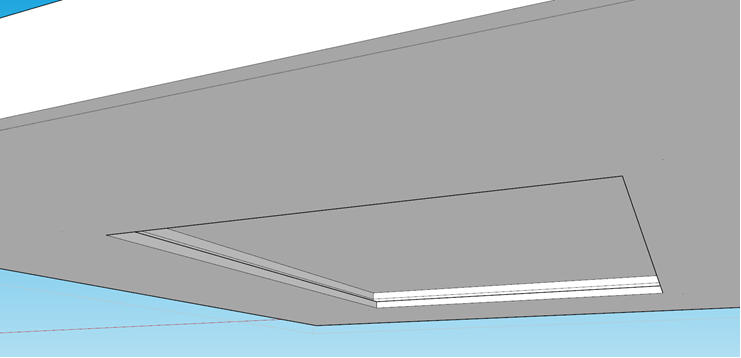
Hi user24,
The info provided was a bit limited, so I hope this answers your question.
To add the light cove to the joist, I would recommend following these steps:
- Add a void that only cuts the structure (i.e. trusses) by right-clicking on the joist & selecting + FLOOR JOIST > + Void Tool > Add Void (Structure Only), then add the void at the desired location. The trusses should now be cut. Note: You can also use the Add Void (All) option if there isn’t any flooring enabled for the trusses.
- Use the
 Floor Joist Tool or Ceiling Joist Tool (pending your use case) to draw ithe additional trusses within the void at the desired size, spacing, etc. You should now have two groups of trusses.
I would also recommend drawing the ceiling lining separately to the joist so that the light cove can be added more easily. To do this, I would recommend either of the following methods:
Method 1
Use the  Ceiling Tool to create the ceiling linings. Note: You may need to add a void to the ceiling for the cove.
Method 2 (best option according to your image)
Create the ceiling & light cove geometrry using SketchUp tools, then use the  Custom Estimation Tool to apply a ceiling material so that it estimates in the
  Takeoff.