Hi. I love the ability to one-click create a roof from a face. Is it possible to do the same with walls? ie. one-click a selected face (slab) with the wall tool and produce an instant perimeter wall?
1 Like
Hi KADO3D,
We normally recommend drawing the walls first then drawing the slabs, floors, roofs, etc. afterwards, which is why there are options to generate these objects from walls &/or faces. However, I’ll take it back to the dev team for further discussion.
As a heads up, we do have something coming soon that will allow multiple walls to be created at once, which will speed up the modeling process. I can’t say too much more about this just yet but stay tuned.
1 Like
I can see advantages and I dont think it would be that hard
1 Like
Thanks mate: You can tell people about create similar wall”S’
You will be happy to know we are testing this in alpha now, and it is a huge time saver. We also added the ability to select a face and deselect edges. This way, you can choose to draw walls from edges.
This leads me to an option like “draw walls from selected tagged edges “, which could enable the drawing of wall types according to the layers associated with a DWG import. Would anyone benefit from such functionality?
1 Like
This is amazing. I cannot wait to use it! Well done team.
Here is an example https://www.facebook.com/reel/738688225906895
It’s a wonderful feature. Literally 2 right clicks for an entire enclosure ready for details. Brilliant. Thanks Andrew for entertaining it an seeing the benefits!
1 Like
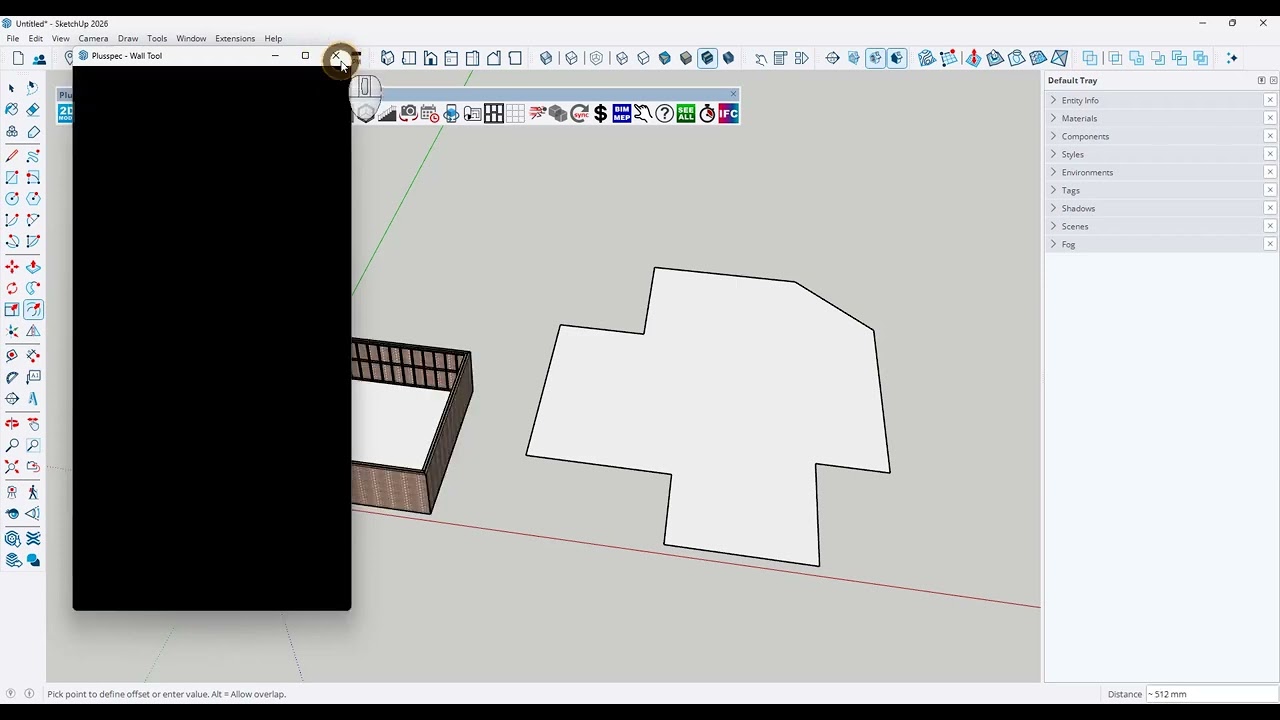
No problem, thanks for the suggestion. FYI, here is the tutorial video. There are a few more things you need to know to get the most out of the new “create walls from face” feature.
1 Like