I am having difficulty figuring out how to best create a non-standard window split; 1/3|2/3 where the 1/3 is an awning and the 2/3 is fixed. Any help would be appreciated. I have not been able to find any tutorials on this.
Hi KADO3D,
There are a couple of ways to do this which I’ve listed below.
Option 1 - Custom Window With Additional Geometry
- Use the Custom Window option (the window type with the ?) in the
 Window Tool. Note: Make sure to name the window accordingly.
 - Draw the internal window frame at the desired size & position, then group the geometry & apply the same material as the window frame. Tip: Assign the group to the 18_WINDOWS tag/layer so it works with scenes.
- Draw the elevation symbol(s) on the glass as needed. Tip: Assign the group to the Elevations tag/layer so it works with scenes.
The result should look similar to the image below.
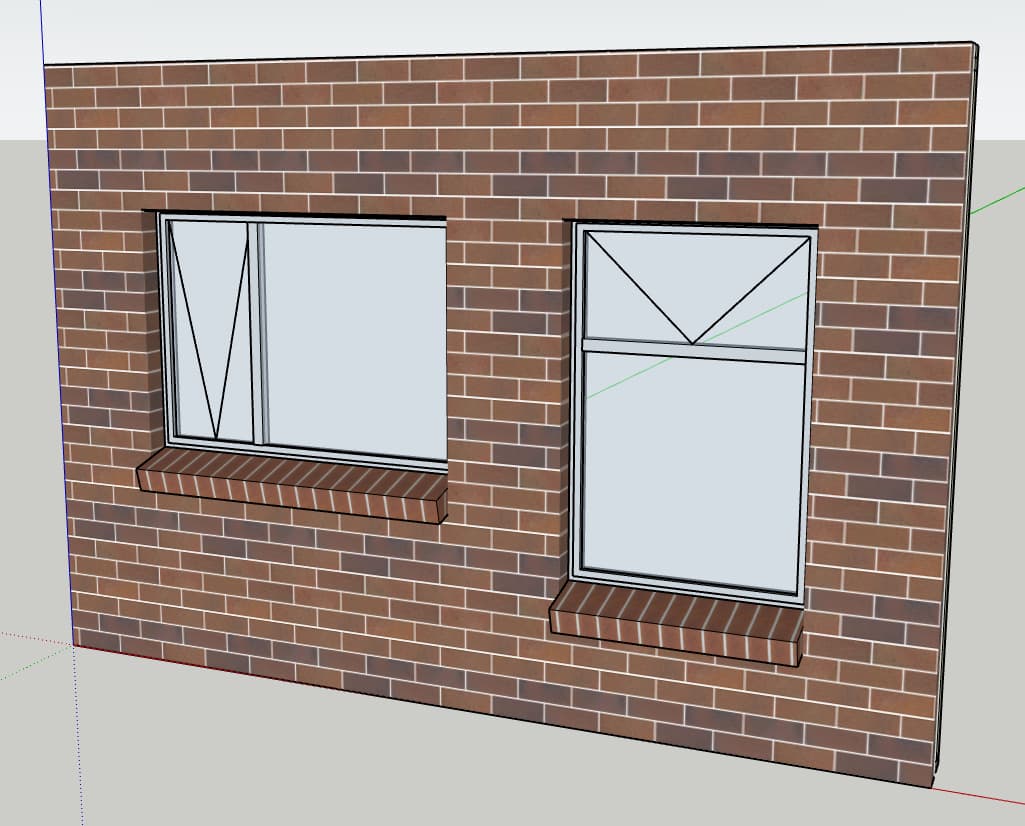
Option 2 - Custom Window Tool In ‘None’ Opening
Note: Reveals, architraves & wills will need to be manually drawn in using this method.
- Use the None option (the window type with the X) in the Window Tool to create the opening in the wall.
- Use the Awning & Fixed options from
 Custom Window Tool to draw the two parts of the desired window & move the two windows into the desired location. Note: Make sure to draw the windows at the correct width as the only way to adjust this after the window has been drawn is to delete & redrawn the window.
 - Move the windows into the correct position (if they aren’t already there).
The result should look similar to the image below.
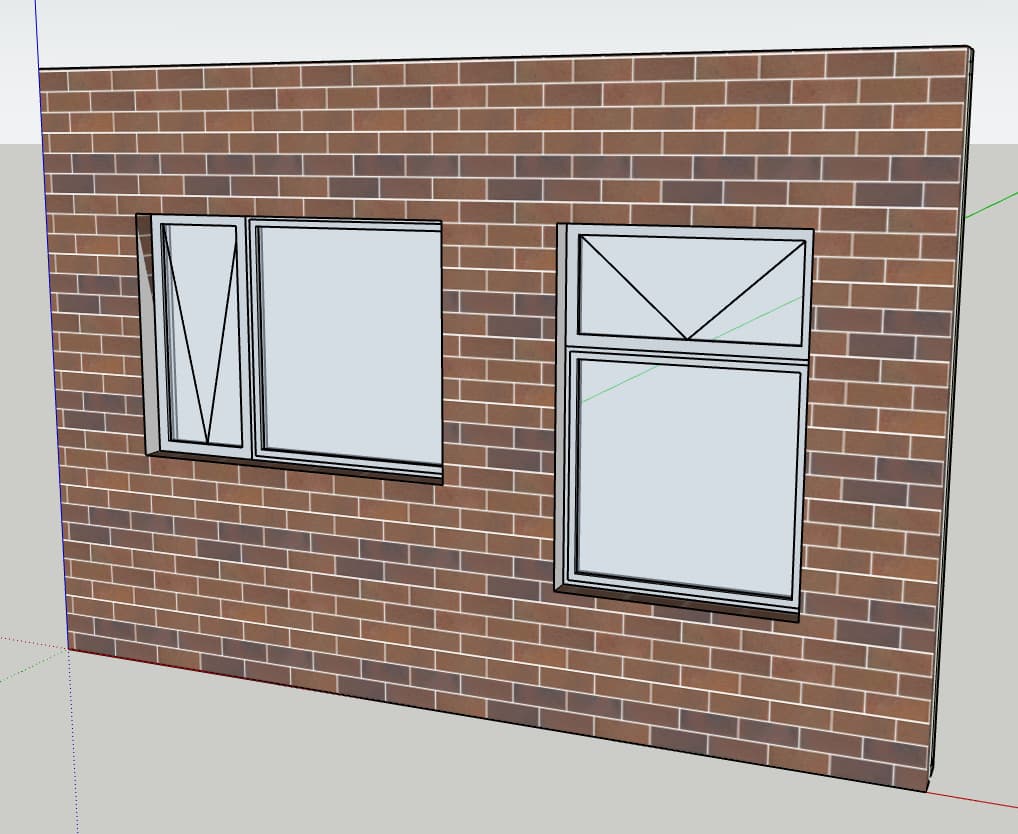
1 Like