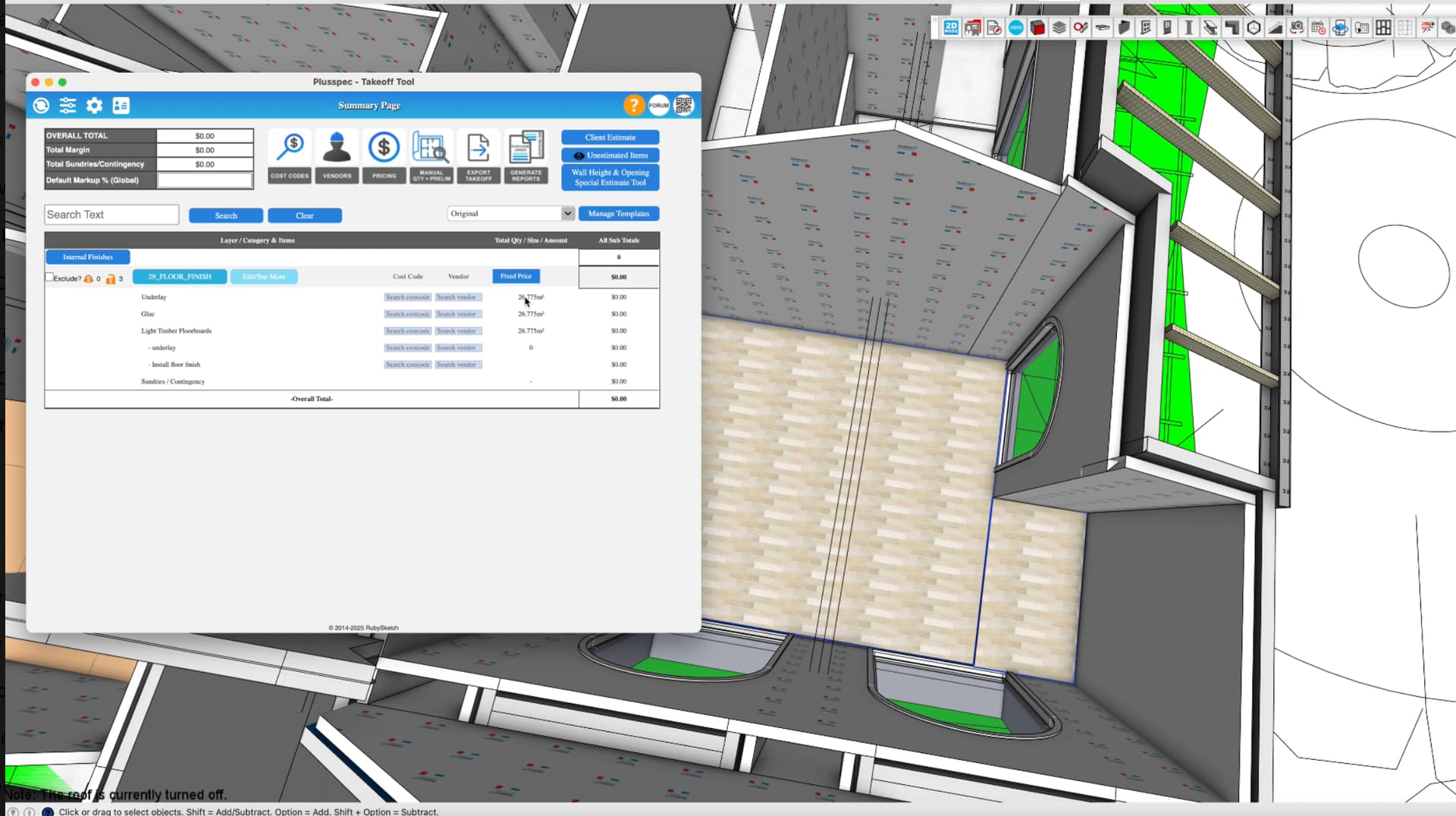
I’m having an issue with my flooring takeoff. The quantities being reported don’t match what’s actually allocated in the model.
When I select the floor areas in the model, it shows the correct quantity (as in the attached screenshot), but when I run the takeoff, the total area comes out completely different — even though this is the only flooring item allocated.
I’ve attached screenshots showing the issue. Could someone please take a look and let me know what might be causing the discrepancy?
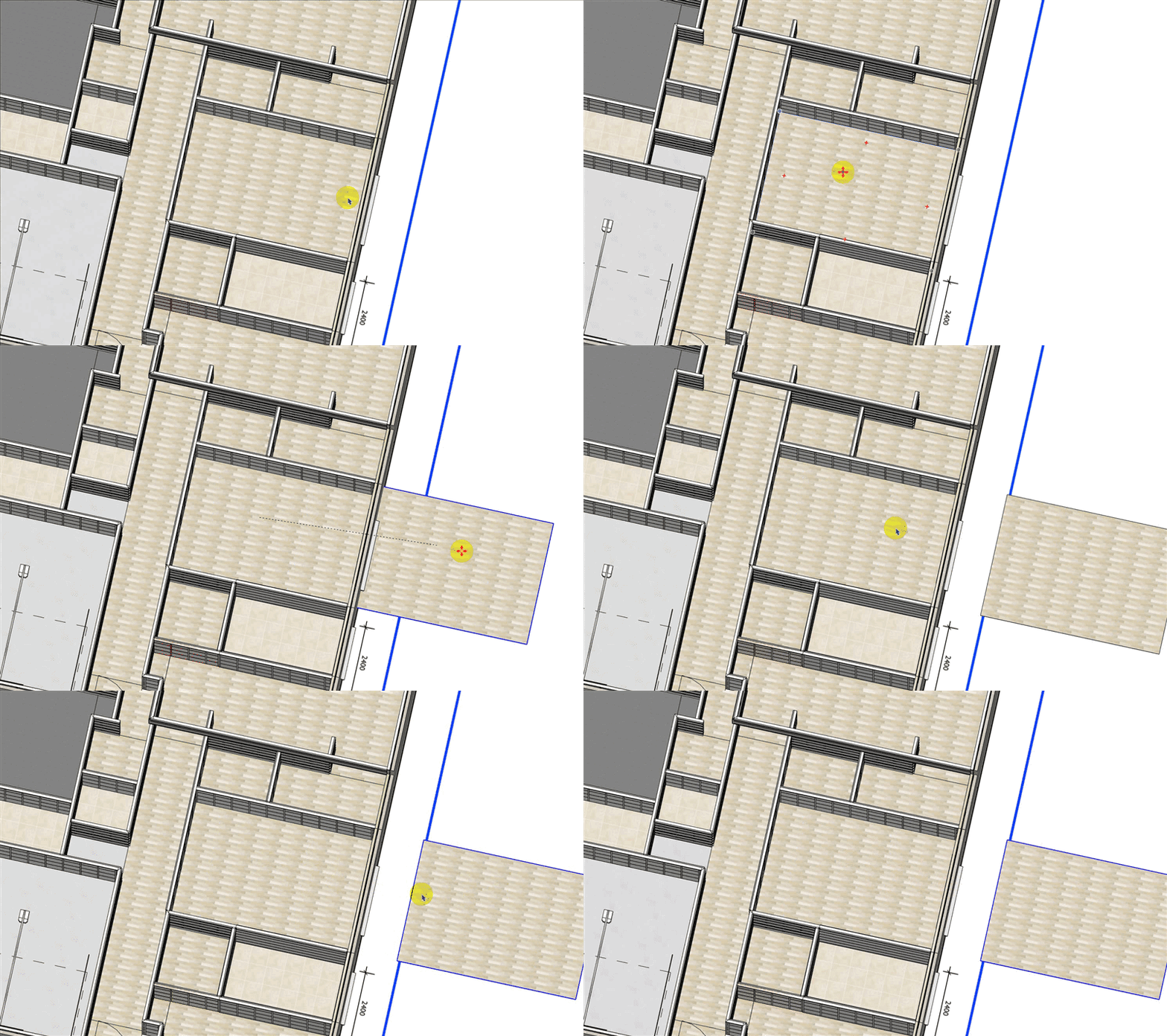
From my experience, the main cause of this issue is that multiple instances of the floor area has been created at the same location, which is likely why the “takeoff selection” result is correct but the result of estimating the rest of the model (or more than those floor areas) is incorrect.
If you move one of the floor areas off to the side is there another one underneath (like shown in the GIF below)? If so, delete the duplicated floor object & repeat for each floor area, then the takeoff should be correct. Note: The floor area may have been duplicated multiple times so repeat this process for each floor area until only one remains.