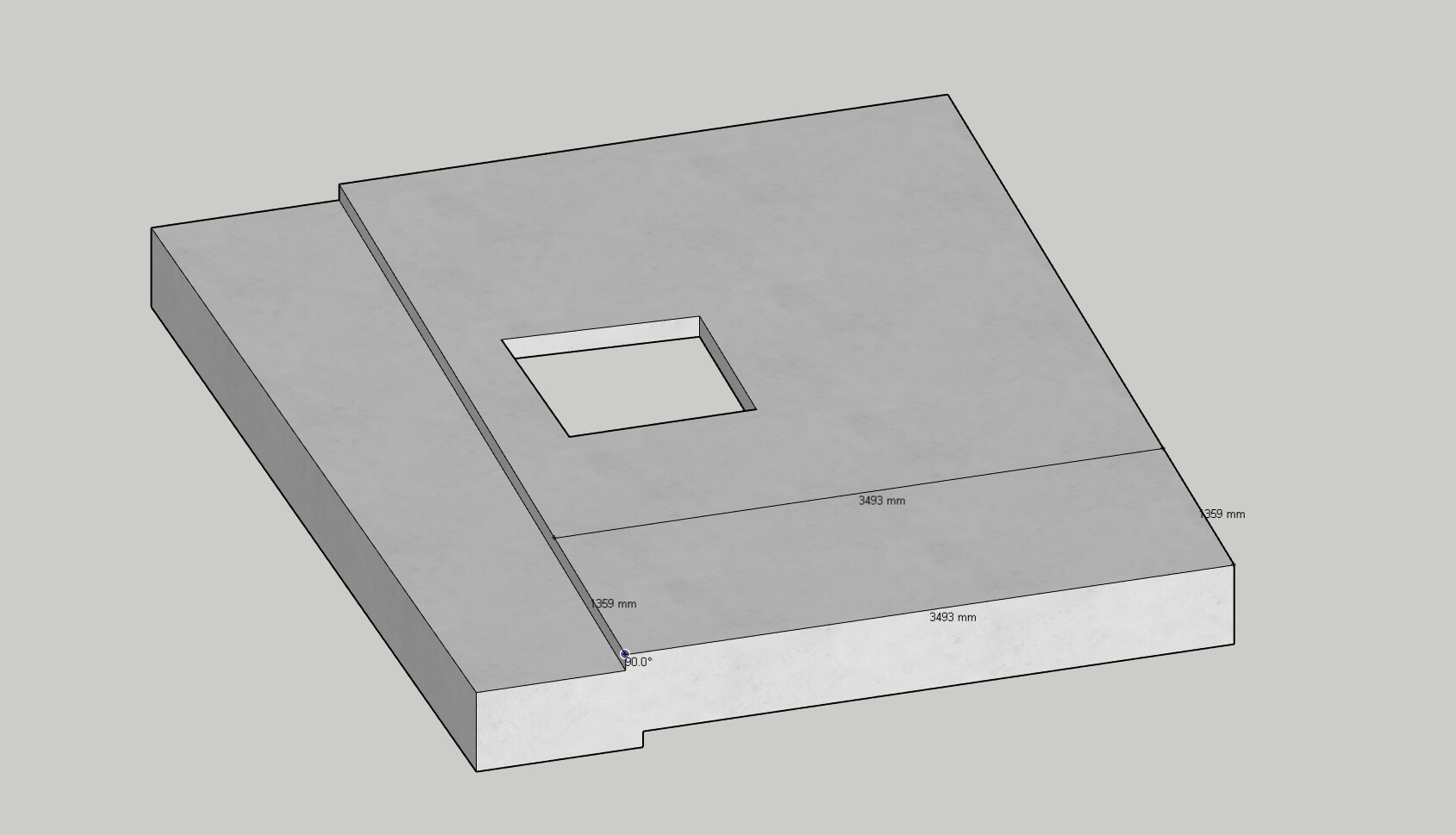
I’m reaching out regarding an issue with the slab tool that I haven’t been able to find a solution for on the forums or in the standard tutorials.
I have modelled a duplex slab and am currently attempting to add custom recesses and set downs (specifically a 100mm set down in the alfresco area). However, the command is failing to execute. The outline and dimensions appear during the placement, but they disappear as soon as I click out of the command without modifying the geometry.
Troubleshooting already performed:
Test Slab: I created a simple slab to the side of the main model. I was able to successfully create a void and a recess, though it required multiple attempts.
Inconsistency: Even on the test slab, I was unable to replicate the recess on the opposite side, regardless of the direction drawn.
Tutorials: I have reviewed the slab tutorials on YouTube to ensure my workflow is correct, but the issue persists.
I created a slab similar to what was shown in you image but I wasn’t able to replicate the issue you’re having. Can you please send any Ruby Console message that appears & a model with the issue to support@plusspec.com so I can look through it?
To get the Ruby Console Message, please follow these steps:
Launch the Ruby Console (go to Extensions > Developer > Ruby Console).
Recreate the steps you took to get the issue (a message should appear in the console).
Select all the message text, then copy & paste it in the email.
@CDT
In the interim click the slab group until the face you’re trying to recess highlights. Then divide the face with the line tool and use the Sketchup push pull tool to recess the slab. The slab will still be quantified in cubes. The only reason a slab wont qyantify is if the geometry isn’t manifold (water tight) . Note: if you try and add another detail or penetration the manuak edit will be undone.
Thanks Andrew, the push and pull tool has been the best work around. Giving the ability to still get a rebate the whole way around and make some sections wider or creating up stands.
Before I was using the recces tool on an existing recces and found it a bit buggy, or creating an upstand with the recces tool but with a negative value also buggy (but probably the wrong way to use it I’m finding)
Thanks for responding. If you have a ruby console error can you copy and post it jett l here or email it. Will get the devs to take a look and see if we can iron any bugs out.