Hi Gary,
It looks like your dialog is somehow zoomed in (I’m not sure what’s caused it). If you hover over the dialog & scroll out whilst holding Ctrl does it resolve the issue? The GIF below is what happens for me when I zoom in/out whilst holding Ctrl.
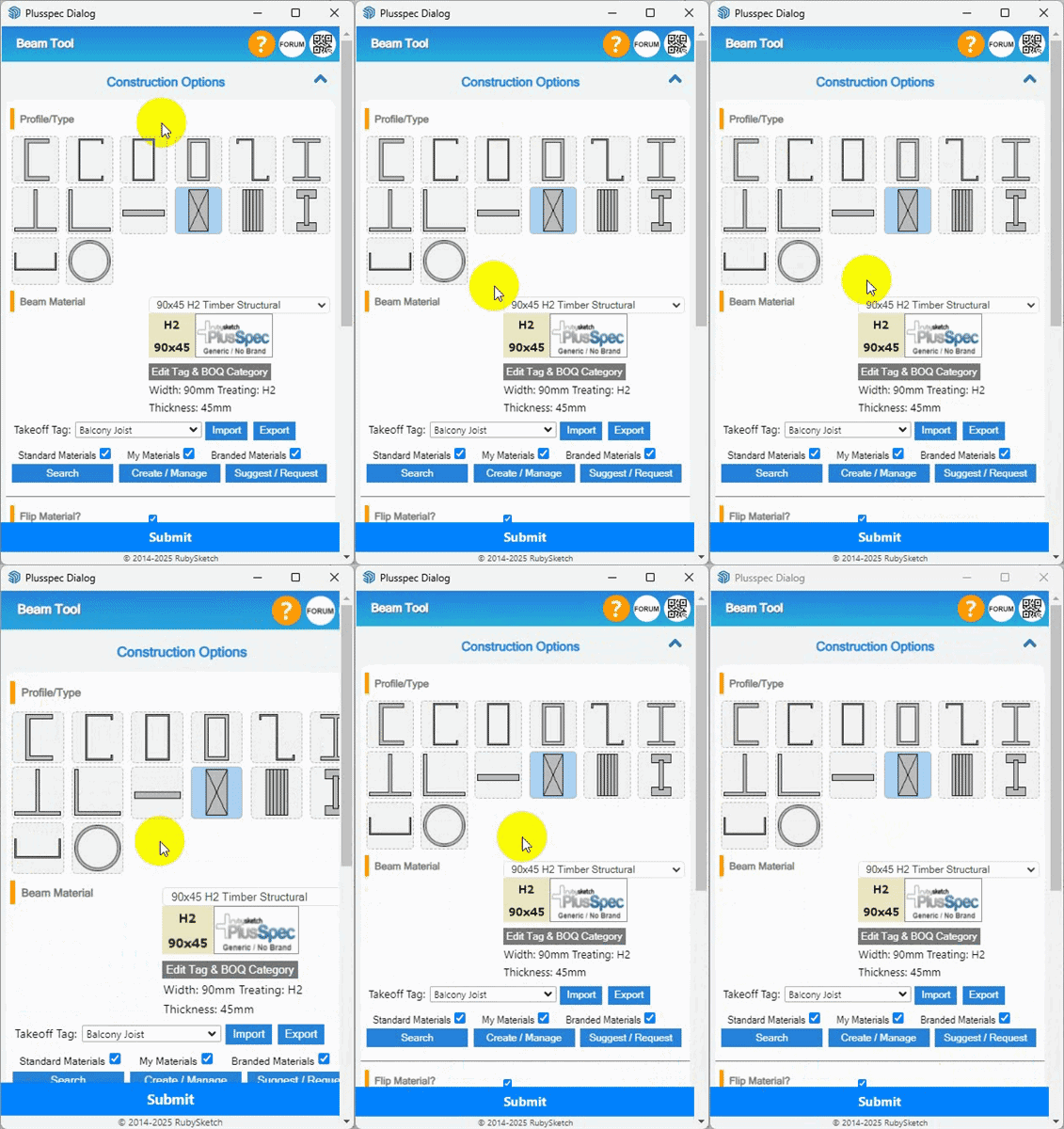
Another thing you could try that may resolve the issue is to delete the “private preverences” file. The steps to do this are outlined in the article linked below.
https://support.plusspec.com/hc/en-us/articles/38405260126489-Dialogue-or-Toolbar-isn-t-showing
Lastly, another possible cause for the issue may be due to a conflict with another extension. Does the issue still occur if you go to the Extension Manager & disable all extensions other than PlusSpec & the ones that come with SketchUp?