Hi guys,
I’ve been attempting a process similar to Andrew’s floor/joist framing videos—specifically where he splits the joists to run a beam through the center.
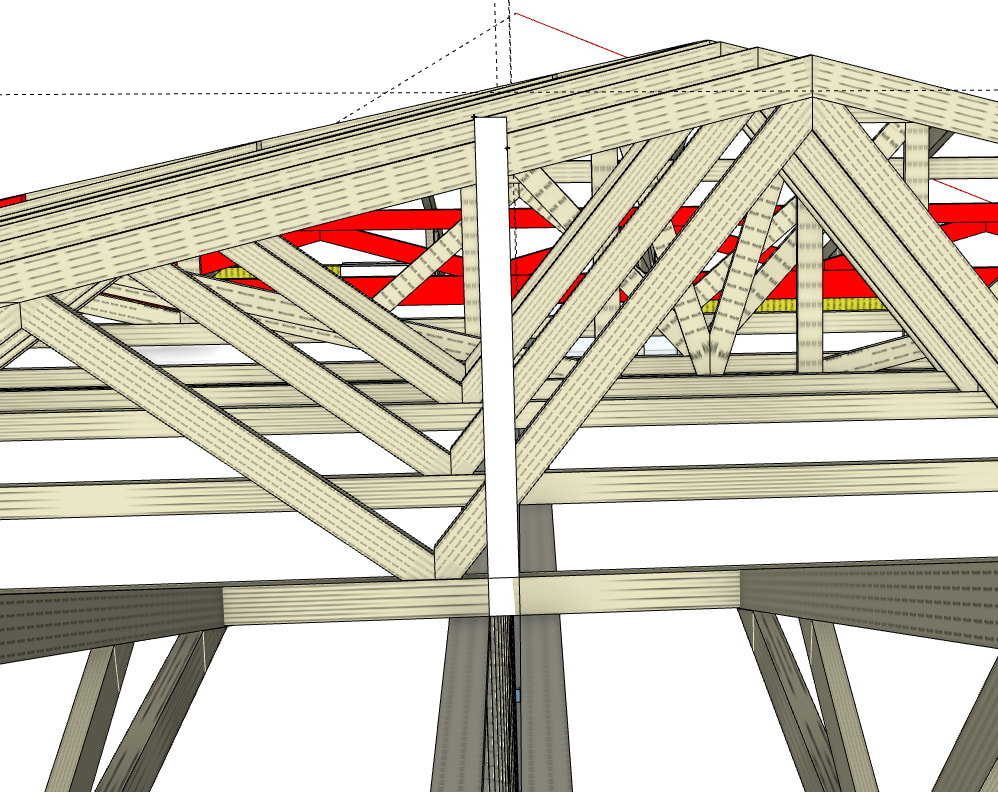
As you can see in the attached photo, I’m working with a hip end roof pitching across a duplex. I’ve sketched a rectangle to show the void I need to create through the trusses to allow the fire wall to sit between the two dwellings.
Since the apex is positioned over one property rather than centered, a skillion roof for both sides isn’t a straightforward option. Is there a way to achieve this void within the truss/framing tool, or is there a recommended workaround for this specific layout?
Cheers
 BIM Tool to add estimation info for them so they quantify in the
  Takeoff.